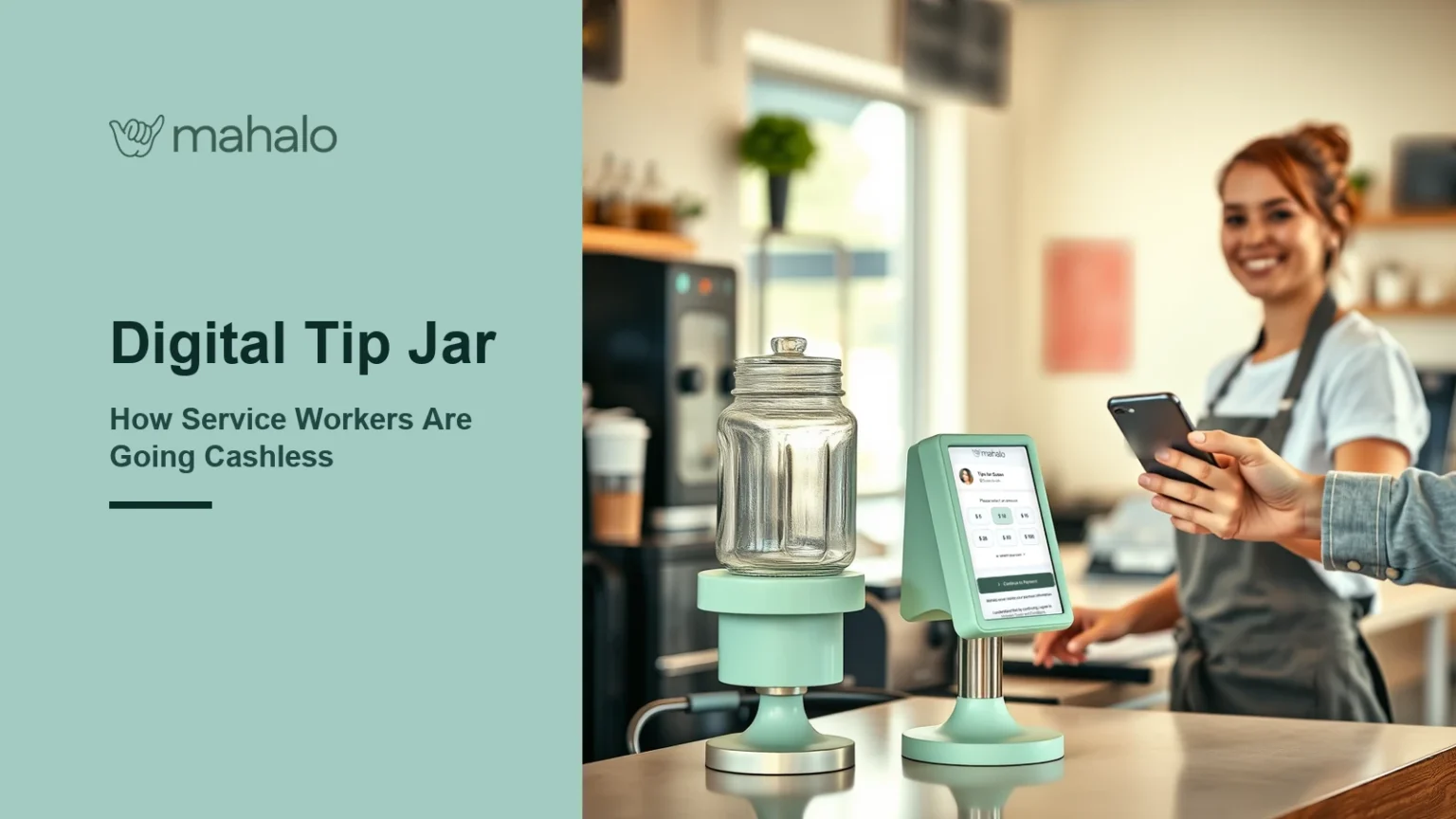
The tip jar on the counter used to do a quiet, reliable job. Customers dropped in their change, and at the end of a shift it added up to real money. Then customers stopped carrying change. A digital tip jar is the modern replacement: the same simple idea, rebuilt for people who pay with a card or a phone.
This guide explains what a digital tip jar is, how service workers in Canada are using one, what to watch out for, and how to set one up so tips actually arrive.
Key takeaways
- A digital tip jar lets customers leave a tip by card or phone instead of cash, at a counter, stall, chair or event.
- Canada has moved decisively to contactless: 58% of transactions in 2024 were contactless and cash was 11% of payment volume, according to Payments Canada.
- The fastest digital tip jars use tap-to-pay; QR codes and payment links work but add steps that cost tips.
- Tips remain taxable employment income in Canada, so a digital tip jar that keeps a record is a practical advantage.
- Placement and a clear prompt matter as much as the technology.
What a digital tip jar is

A digital tip jar is any cashless way for a customer to leave a voluntary tip where a physical jar would have sat. Sometimes it is a small tap-to-pay stand on a counter. Sometimes it is a QR code on a sign, or a payment link shown on a phone screen. The purpose is the same as the glass jar: an easy, low-pressure invitation to say thanks with money.
What separates a digital tip jar from a card-machine tip prompt is who it serves. Tip prompts only exist where there is a point-of-sale terminal. A digital tip jar can belong to an individual worker, which is why it matters so much for people who do not control the payment system at their workplace.
Why the physical tip jar stopped working
The jar did not change; the customers did. Payments Canada’s latest Canadian Payment Methods and Trends findings show that contactless payments made up 58% of transactions in 2024, with 13 billion contactless transactions in total, while cash accounted for just 11% of payment volume. When most people pay by tapping, there is nothing left over to drop in a jar.
The loss is easy to miss because it is silent. Nobody complains about a tip they did not leave. The jar simply fills more slowly week after week, and for baristas, food-truck staff and market vendors, that can add up to a meaningful part of their income.
How a digital tip jar works in practice
From the customer’s side, a well-designed digital tip jar takes a few seconds:
- The customer sees a clear prompt next to the counter or stall.
- They decide to tip and tap their card or phone, or scan a code, depending on the type.
- The tip is sent, and the worker receives it into their account.
From the worker’s side, the useful questions are how quickly the money arrives, what fee applies, and whether there is a record of each tip. If you are comparing ways to take tips without cash, how to accept tips without cash covers the setup side in more detail.
Tap, QR code or link: the three kinds of digital tip jar
| Type | How the customer tips | Strength | Weakness |
|---|---|---|---|
| Tap-to-pay | Taps a card or phone on a stand or device | Fastest, and matches the everyday checkout habit | Needs NFC-capable hardware |
| QR code | Scans a code, loads a page, enters details | Cheap to print and display | Several steps, and codes in public can be tampered with |
| Payment link | Opens a link shared by the worker | Works remotely and online | Awkward in person and relies on the customer’s app |
Tap-to-pay is the closest thing to the old jar, because it asks almost nothing of the customer. QR codes are popular because they are easy to print, but each step between “I’d like to tip” and “done” loses some tippers, and printed codes in public places carry their own risks, explained in why NFC payments are safer than QR codes for public use. Payment links suit online creators and remote work better than a busy counter.
Who uses a digital tip jar
Almost anyone who used to rely on a physical jar:
- Baristas and counter staff, where customers pay at a terminal but tips at the counter go uncollected.
- Food-truck and market vendors, who deal with fast lines and small transactions.
- Buskers and street performers, whose entire income is voluntary tips.
- Hairstylists and estheticians renting a chair without their own terminal.
- Event staff, coat checks and valets, working short, in-person moments.
- Gig and delivery workers, covered further in app-free payments for gig workers.
Tips, rules and taxes
Moving the jar from glass to digital does not change the underlying rules. The Canada Revenue Agency states that tips are considered employment income for income tax purposes. Tips that a customer pays directly to a worker, with no employer control over the amount, are not reported by the employer on the T4, so a digital tip jar that records each tip automatically makes tracking far easier.
Who keeps the tips is a workplace question as well as a technology one. In Ontario, the Employment Standards Act generally prohibits employers from withholding or deducting from employees’ tips, except where tips are collected and redistributed among employees. If your workplace pools tips, a digital tip jar at the counter should follow the same pooling rules the physical jar did.
How to set up a digital tip jar that people actually use
Technology is only half of it. The other half is making tipping feel natural.
- Put it where the jar was. Customers look for tipping at the point where they finish paying or collect their order.
- Use a short, friendly prompt. “Tap to tip” says everything a customer needs to know.
- Keep it to one step. If a customer must download an app or create an account, most will not.
- Check payout timing and fees first. Know how fast tips arrive and what share you keep.
- Tell your regulars. A quick “you can tap to tip now” does more than any sign.
Mahalo is built around the tap-to-pay version of the digital tip jar. The customer taps a card or phone, with no QR code and no app for the customer to install, and the tip reaches the worker quickly with a clearly stated fee. It works for individuals, not only businesses, which is exactly the gap the old jar used to fill.
Digital tip jar mistakes to avoid
A few common mistakes stop a digital tip jar from earning what it should.
- Hiding it. A tap card tucked behind the register or under a menu is invisible. Keep it in the customer’s line of sight at the moment they finish paying.
- Adding steps. Every extra screen, sign-up or form loses some tips. The customer’s part should end with the tap.
- Ignoring shared tips. In a team, agree in advance how tips from a shared digital tip jar are split, and keep a record, rather than sorting it out after a busy shift.
- Forgetting the record. Digital tips leave a trail, which makes tax time easier, but only if you actually export or keep the history.
- Leaving the old jar out alone. Keep a small cash jar beside the digital one for customers who still prefer coins, so nobody feels shut out.
Frequently asked questions
How to make a digital tip jar?
Choose a cashless tipping tool that works for you as an individual, set up your payout account, then display the tipping point where customers finish paying: a tap-to-pay stand, a card, or a sign with a short “tap to tip” prompt. Test it yourself before your first shift so you know exactly what the customer will experience.
Is it legal to have a tip jar?
In Canada, offering customers a way to tip is generally lawful, whether the jar is glass or digital. Two sets of rules still apply: tips are taxable employment income according to the Canada Revenue Agency, and provincial employment standards can govern who keeps them. In Ontario, for example, employers generally cannot withhold employees’ tips except to redistribute them among staff. Check your workplace’s policy before putting a jar out.
Is there a free online tip jar available?
Some tools let you create a tip page or link at no cost to set up, but moving money almost always involves a processing fee somewhere. Rather than looking only for “free”, compare the fee that applies to each tip, how quickly tips reach you, and whether customers can tip in a single step.
What is a virtual tip jar?
A virtual tip jar is another name for a digital tip jar: a cashless way to accept voluntary tips by card, phone, QR code or payment link. Online creators often use links, while in-person workers tend to get better results from tap-to-pay, because it matches how customers already pay.